
Download Photo Effect Studio – Pencil Drawing, Photo Editing, Image Retouching, Creative Tool, Artistic Effect, Windows App
Overview
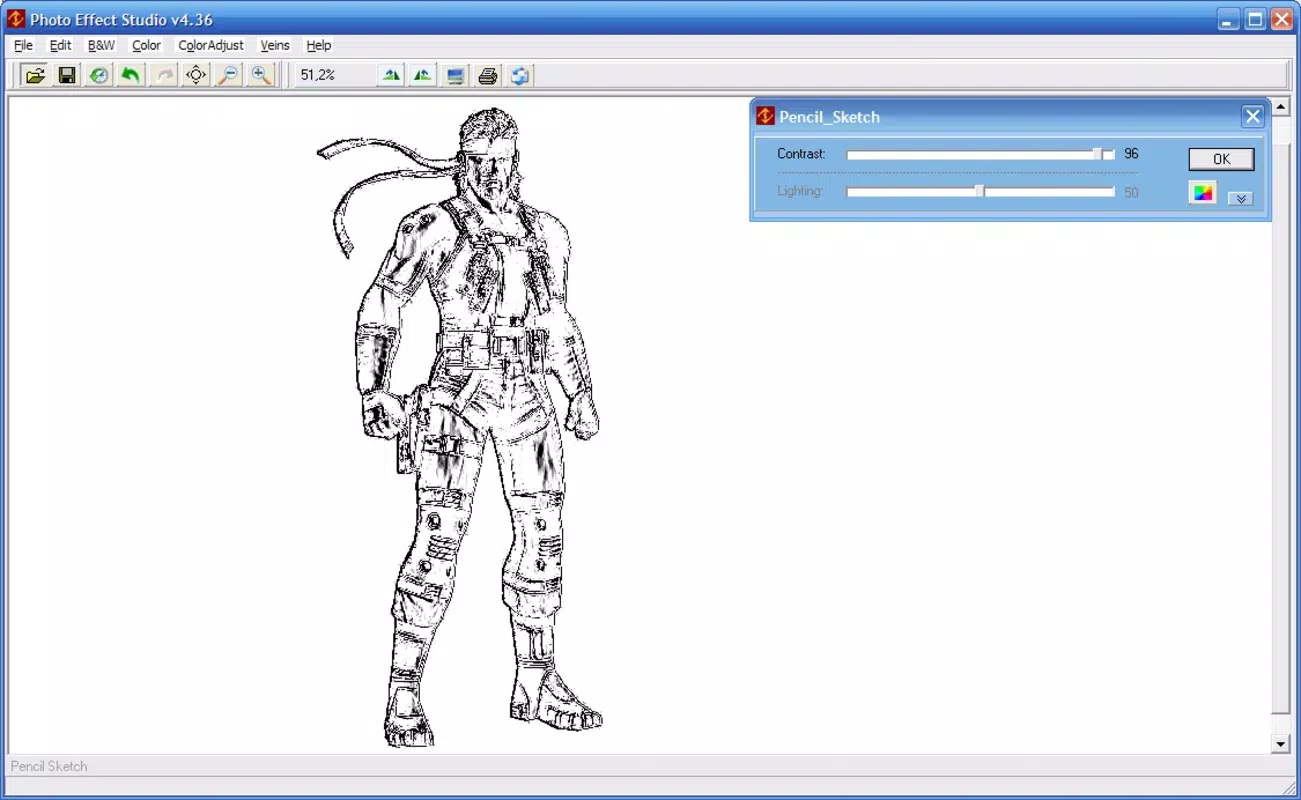
Photo Effect Studio is a specialized image retouching application designed for the Windows platform, offering users a unique way to transform photographs into hand-drawn pencil sketches. The app targets individuals seeking to add an artistic flair to their digital images, particularly those interested in creative expression through visual media. It serves as a utility tool for hobbyists, digital artists, and photographers who wish to experiment with alternative visual styles without requiring advanced editing skills. The application’s core function revolves around simulating pencil drawing effects, delivering results that emulate the texture and nuance of traditional sketching. This capability allows users to repurpose everyday photos into compelling works of art, suitable for personal projects, social media sharing, or artistic portfolios.
Although the developer did not provide additional background on Photo Effect Studio, the app’s focus on creative photo editing suggests a niche-oriented development approach. Its release date of February 14, 2008, places it among early digital art tools, reflecting a time when accessible creative software was still emerging. Despite its age, the application continues to serve a specific audience that values simplicity and artistic transformation. Real-world use cases include enhancing portrait photography with a vintage sketch aesthetic, creating artistic renderings of landscapes, or producing unique visual content for digital storytelling. In the broader app ecosystem, Photo Effect Studio occupies a distinct space as a lightweight, focused tool dedicated solely to one creative effect, offering a streamlined alternative to full-featured photo editors.
Key Features & Functionality
- Pencil Drawing Simulation: The app’s central feature transforms standard digital photos into realistic pencil sketches. It analyzes image textures and lighting to replicate the softness and grain of hand-drawn lines, producing results that feel organic rather than algorithmic.
- Multiple Drawing Styles: Users can select from four distinct styles, each tailored to different visual moods—such as soft shading, bold outlines, or cross-hatching—enabling customization based on the image’s subject and intended aesthetic.
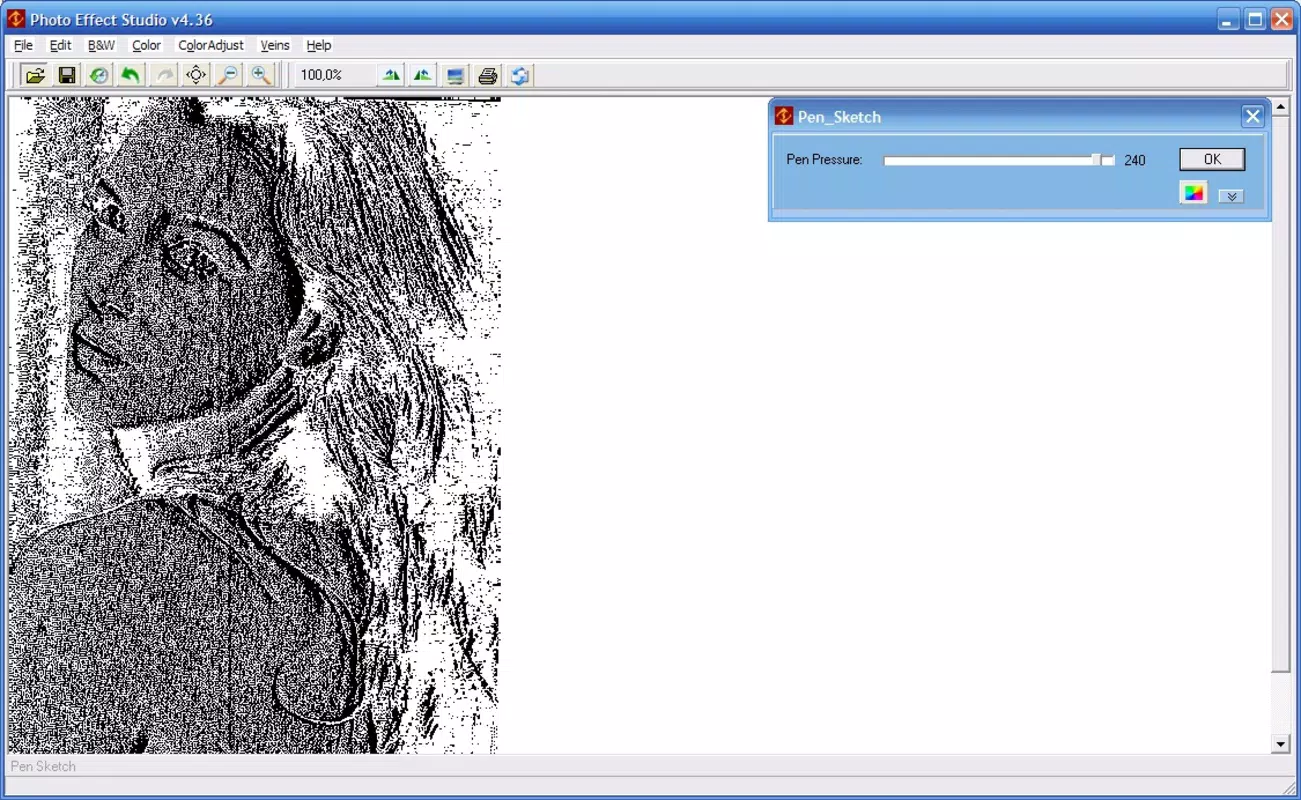
- Customizable Parameters: Each filter includes adjustable settings for contrast, line intensity, and texture density, allowing precise control over the final output. This level of fine-tuning supports both subtle enhancements and dramatic artistic reinterpretations.
- Intuitive Interface: The layout is designed for ease of use, with clear navigation and minimal clutter. Users can load images, apply effects, and adjust settings through a straightforward workflow, reducing the learning curve for beginners.
- Broad Compatibility: The application supports various image formats and adjusts well to different types of content, including portraits, landscapes, and still-life compositions, ensuring consistent results across diverse inputs.
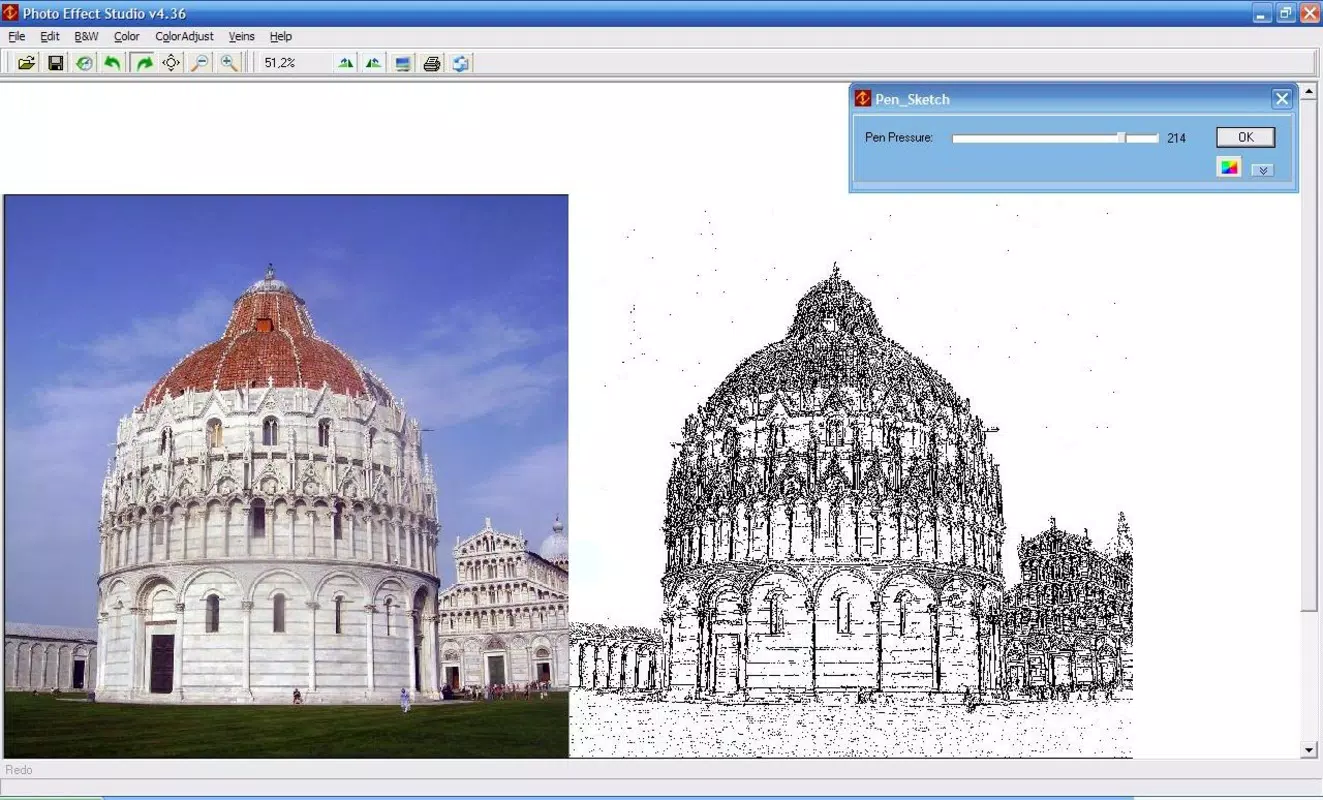
For example, a user might apply a soft pencil style to a family portrait to give it a nostalgic, sketchbook feel. Alternatively, a landscape photo could be transformed with bold lines and high contrast to emphasize its structural elements. These real-world applications demonstrate the app’s versatility within its defined scope.
Interface, UX & Performance
Photo Effect Studio features a clean, minimalist interface that prioritizes functionality over visual complexity. The main window displays a simple image preview area flanked by tool panels, allowing users to load files, select styles, and adjust parameters with minimal navigation. The layout is consistent and predictable, contributing to a smooth user experience. Although the developer did not list formal performance metrics, the app’s small file size of 2.4 MB suggests efficient resource usage, which likely translates to quick load times and stable operation on older or low-spec Windows systems.
Navigation is straightforward, with clearly labeled buttons and a logical sequence: import image → choose style → tweak settings → apply effect → save result. The app responds promptly to user inputs, and there are no reported issues with freezing or crashes. While no specific details were provided about compatibility across device categories, the lightweight nature of the software implies it can run on a wide range of Windows-based hardware, including entry-level machines. Stability appears reliable, and the interface remains responsive even during image processing. The lack of advanced animations or dynamic effects further supports smooth performance, aligning with the app’s focus on core functionality rather than visual spectacle.
Platform Compatibility & Technical Requirements
Photo Effect Studio is designed for the Windows operating system. The app is available in version 1.0, with a file size of 2.4 MB, making it a compact utility suitable for systems with limited storage. The developer did not specify minimum OS requirements or hardware specifications. Compatibility information was not fully disclosed, so users should ensure their system supports legacy Windows applications, particularly those from 2008. No information was provided regarding support for modern Windows versions such as Windows 10 or 11, nor was there any mention of compatibility with touch-enabled devices or alternative platforms.
Given the app’s age and size, it may run on older Windows versions like XP, Vista, or 7, but its performance on newer systems cannot be confirmed without testing. Users should exercise caution when installing legacy software and ensure their system has appropriate security measures in place. The absence of updates or version history beyond 1.0 suggests the app is no longer actively maintained.
Pros and Cons
Pros
- Lightweight file size (2.4 MB) enables fast installation and minimal storage usage.
- Intuitive interface suitable for users with no prior editing experience.
- Offers multiple pencil drawing styles for diverse artistic outcomes.
- Provides customizable parameters for fine-tuning visual results.
- Delivers high-quality, artistic transformations without requiring advanced skills.
Cons
- Version 1.0 has not been updated since 2008; no recent improvements or bug fixes.
- Compatibility with modern Windows systems is uncertain and not officially confirmed.
- Limited to one primary effect (pencil drawing), reducing overall versatility.
- Developer did not provide technical specifications or system requirements.
- Price of $24.95 may be considered high for a single-function tool with no updates.
FAQ
Is Photo Effect Studio safe to download and install?
The app is available as a standalone executable for Windows. While no third-party sources were specified, users should obtain the software from trusted platforms to avoid potential security risks. As a legacy application, it may not be scanned by modern antivirus software.
Can I use Photo Effect Studio on Windows 10 or 11?
There is no official confirmation of compatibility with Windows 10 or 11. The app was released in 2008, and its ability to run on newer systems depends on the system’s ability to support legacy software. Testing on a virtual machine or compatibility mode is recommended.
Is the app free to use?
No, Photo Effect Studio is not free. It is priced at $24.95, which may be considered a premium cost for a single-effect tool with no updates since 2008.
Does the app support batch processing?
There is no information available about batch processing capabilities. The app appears to process images individually, based on its simple interface and lack of multi-file handling features.
Are there regular updates or new features planned?
No updates have been released since version 1.0 in 2008. The developer has not indicated any future development or feature additions.
Final Thoughts
Photo Effect Studio remains a niche yet functional tool for users who appreciate the artistic charm of pencil-drawn imagery. Despite its age and lack of modern updates, it delivers on its core promise: transforming photos into expressive sketches with minimal effort. Its lightweight design and intuitive layout make it accessible to beginners, while the customizable parameters offer room for creative exploration.
However, its limited scope and outdated status raise concerns about long-term usability and security. For those seeking a one-time artistic transformation without the complexity of full photo editors, it may still be a viable option. That said, users should carefully consider the lack of support and compatibility risks.
If you're looking for a simple, focused tool to add a hand-drawn aesthetic to your images, Photo Effect Studio offers a unique solution. Download Photo Effect Studio now.


